
Platforms
Set it anywhere, it reaches you on your phone
You think of the thing while you are at a laptop. You need to be told about it while you are in the car. Those are two different devices, and a reminder is only useful if it can cross between them without you doing any work.
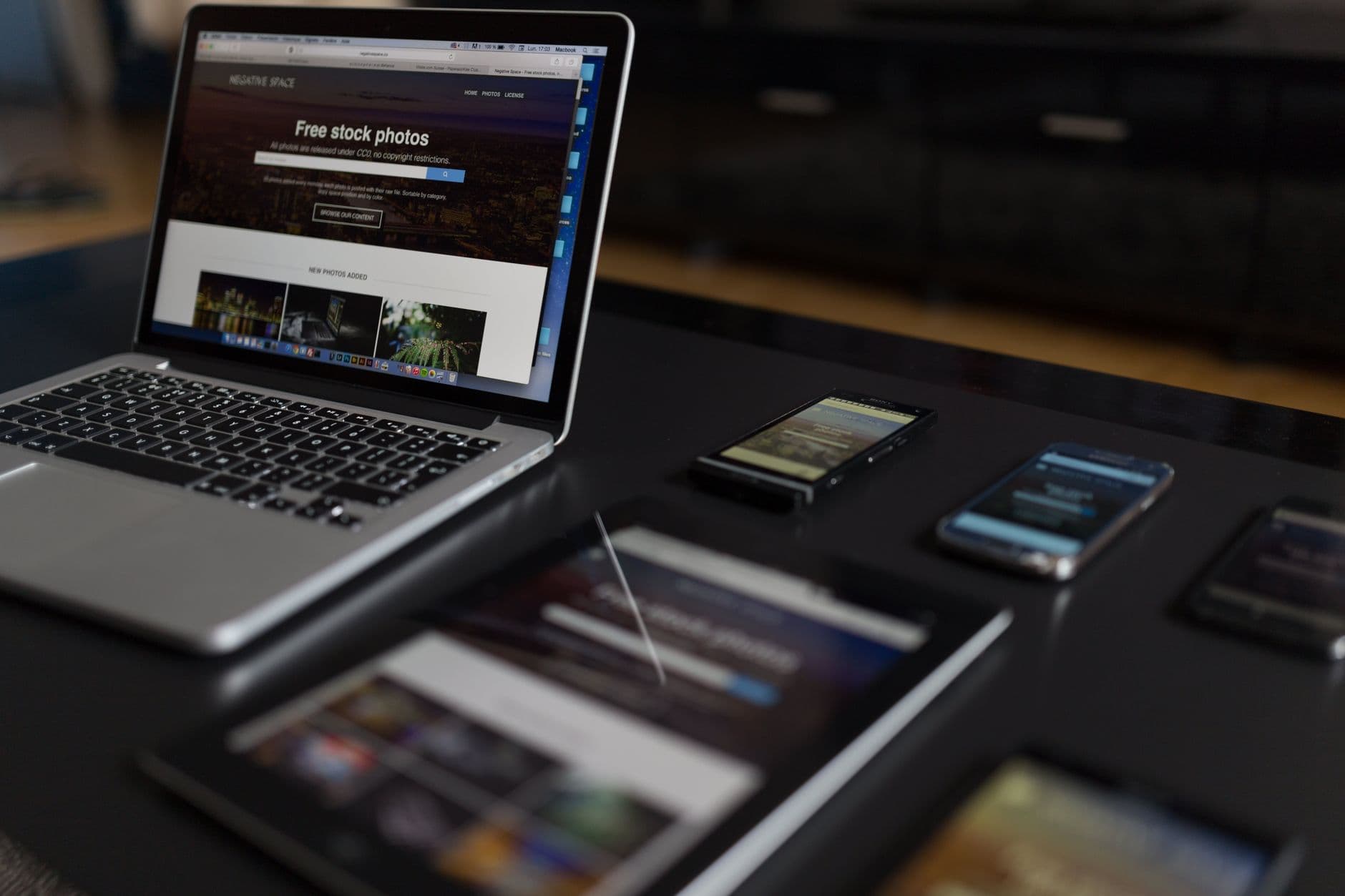
One account, three places to work
There is no pairing step, no device code and no export. You sign in with the same Google account everywhere, and everything follows.
Sign in with Google
The same account on Android, on iPhone and in the browser. There is no Timelee password, so there is nothing to keep in step between devices.
Create it wherever you are
A one-line quick add on the laptop, a photo and a voice note from the phone, a full medication schedule from either. Each device is good at something different.
It appears on the others
Your reminders, categories, tags, priorities and history are held on your account rather than on one handset, so every device is looking at the same list across your devices.
The phone does the ringing
Alarms and in-app calls are scheduled by your phone. Real phone calls are placed by Timelee's servers, so they reach you on any phone, anywhere.
Each device does the part it is actually good at
A browser has a keyboard, a big screen and your whole week in view. It is the right place to build a repeating reminder limited to Tuesdays and Fridays, a bucket list of thirty items, or a medication schedule with five times a day.
A phone has a camera, a microphone, a location and your attention. It is the right place to photograph the part you need to match, say the thirty seconds of context you would never type, and be interrupted when the reminder is due.
Timelee does not ask you to pick one. It assumes you will use both, and it puts the create forms everywhere while leaving the delivery on the device that is genuinely with you.
- Plan on a laptop, get delivered to on the phone
- Capture with the camera and microphone in your pocket
- Edit a reminder from whichever device is nearest
- Mark something done on one device and it is done on all of them

What travels with your account
All of it is stored against your account rather than one device, so a new phone is a sign-in rather than a migration.
Every reminder and to-do
Including their steps, notes, attachments and rich detail pages.
Categories
The seven built in and any you created, with their colours and their live counts.
Tags and priorities
Your free-text tags and the Low, Medium, High and Urgent levels you set.
Repeats and their end conditions
Per-day toggles, presets, pre-alarms, Pinch Me intervals and snooze settings.
History
Everything you marked done stays in Completed, readable from any device.
Shared reminders
Who you assigned something to, and whether they accepted, declined or have not answered yet.
Verified numbers
The numbers allowed to receive a reminder call, verified once and available everywhere.
Your language
One of 32, four of them right to left, applied on every platform and in the spoken call.
Set anywhere. Fired by the phone.
The browser is a place to build reminders, not a place they go off. Timelee has no web push and no service worker, so there are no browser or desktop notifications for reminders. Alarms and in-app calls ring on your Android or iOS app, tones play on the phone, a place reminder's geofence is watched by the phone, and attached photos and voice notes show there. The exception is a real phone call, which Timelee's servers place on the phone network and which needs no app at the other end at all.
Where each part happens
| Feature | Android | iOS | Web |
|---|---|---|---|
| Sign in with one Google account | Yes | Yes | Yes |
| Create and edit every reminder kind | Yes | Yes | Yes |
| Alarm and in-app call ring here | Yes | Yes | No |
| Real phone call to a verified number | Yes | Yes | Yes |
| Take a photo or record a voice note | Yes | Yes | Partial |
| Play an attachment when the reminder fires | Yes | Yes | No |
| Place reminders watched by a geofence | Yes | Yes | No |
| Focus mode, quick-add syntax, detail pages | No | No | Yes |
| Buy call credits | Yes | Yes | No |
Creating is everywhere. Firing is on the phone. That single line explains every row below.
A five-minute setup that makes all three behave
- Sign in with the same Google account on the phone and in the browser
- Allow notifications on the phone, or neither the alarm nor the in-app call has anywhere to appear
- Verify your phone number once, so phone-call delivery is available on any reminder
- Grant location only if you use place reminders, and only then
- Set your language once; it follows to the app, the dashboard and the spoken call
- Test one reminder two minutes ahead with the phone in its usual state
Questions about using Timelee on several devices
Which platforms does Timelee run on?
Android, iPhone and the web, on one account. A reminder you create in any of them appears in the others.
Do web reminders show up on my phone?
Yes. They are stored on your account, and your phone schedules and rings them.
What happens if I have an Android phone and my partner has an iPhone?
Nothing special. Shared reminders arrive as a push notification on their phone whichever platform they use, and they accept or decline. If they do not have Timelee at all, point a phone call reminder at their verified number instead.
Do I lose anything when I get a new phone?
No. Sign in with the same Google account and your reminders, categories, tags, history and verified numbers are already there.
Does it work offline?
Partly. Alarms and in-app calls are scheduled on the phone, so they fire with or without a connection. Creating or editing a reminder needs a connection, because it has to reach your other devices. A phone call reminder needs your phone line rather than your data.
Build it on the big screen. Be told on the small one.
Sign in with Google on a laptop, set up the week, then install the app on the phone that will actually do the reaching.
Keep reading
- The web dashboardSet it up on a laptop. It rings on your phone.
- Timelee for AndroidThe full app, and the permissions it needs.
- Timelee for iPhone and iPadCall-style delivery on a phone built to stay quiet.
- Get TimeleeAndroid, iOS, or sign in on the web.
- How Timelee handles your dataWhat is stored, and what we do not claim.