
Platforms
Timelee for Android
Your phone is the only device that is always with you, so it is the one that has to do the ringing. On Android, Timelee is the complete app: every reminder kind, every delivery channel, and the sensors a reminder sometimes needs.
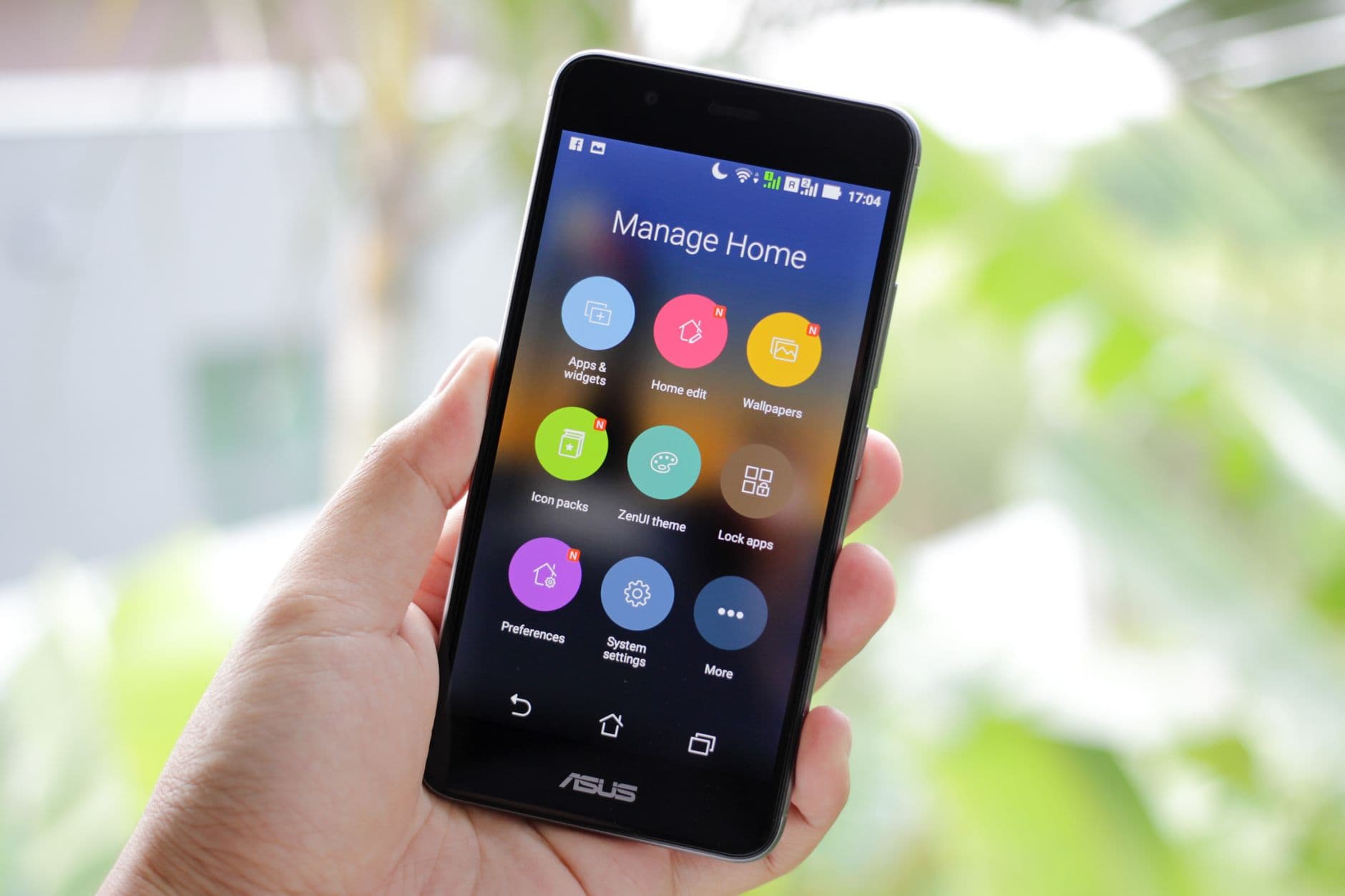
The phone is where a reminder becomes a delivery
A reminder is not a plan. It is a delivery, and it only worked if it reached a conscious person who then did something about it. That means the reminder has to end up on the device in your pocket, not on the one you left charging in the hall.
Android gives an app room to be heard. A full-screen alert can take over the display rather than queue behind a stack of banners. A tone can be chosen per reminder. A geofence can watch for you arriving somewhere. Timelee on Android uses all of it, which is why the Android app is the reference build rather than a companion to the web dashboard.
Everything you create anywhere else lands here. Write a reminder on a laptop over lunch and the phone in your bag is the thing that schedules it, rings it and, if you asked for it, escalates it to a phone call.
What the Android app does
Fourteen kinds of reminder, not one kind with fourteen labels. Each has its own form, because a dose and a shopping list are not the same shape.
Alarms and reminders
A real alarm at the minute you set, with a tone from a library of 33 across six groups, kept in a list separate from your tasks.
Place reminders
Pin a location, set a radius, and choose whether it fires when you arrive or when you leave. The geofence runs on the phone.
Voice notes
Record what you need rather than typing it. The clip plays from the reminder when it fires, which beats four words of shorthand.
Photos on a reminder
The shelf, the label on the box, the parking bay number. Several pictures can sit on one reminder instead of vanishing into the camera roll.
Medication
Medicine name, type, colour, a photo of the box, the dose per time, and the times of day, with Morning through Night presets.
Life events
Birthdays and anniversaries with the person's name, relation and photo, so the reminder arrives in time to do something about it.
Buckets and grocery lists
Build a list by searching a grocery catalogue in English, Hinglish or Hindi, then let the whole list ring as one reminder.
Timers
Count down to zero or up from an offset, add time to a running timer, and choose what happens when it ends.
Shared reminders
Hand a reminder to a person or assign it to a team member. They accept or decline, and you see which.
Capture is the thing a phone is actually better at
Typing on a laptop is faster for planning. Capturing is the opposite: the moment you need to record something is almost never the moment you are sitting at a desk. You are in a van, in a ward, in a shop, halfway up a ladder.
So the Android app leans on the hardware. Hold the phone up and photograph the part you need to match. Say the thirty seconds of context you would never type. Drop a pin on the place where the reminder actually matters. All three attach to an ordinary reminder, with the same delivery options as anything else.
- A voice clip plays back from the reminder when it rings
- Photos travel with the reminder rather than with your gallery
- A pinned place can be paused without deleting the reminder
- A rich detail page can carry the long version of any of it

Every delivery channel, chosen per reminder
Nothing escalates by default. You decide, as you create each reminder, how hard this one should be to ignore — and the ladder stops the moment you acknowledge it.
- notif_type 1
Regular
A full-screen alarm at the minute you set, with a tone you picked. Right for the bins, the parking meter, the stretch break.
- notif_type 2
App Call
The phone rings full screen, like an incoming call, inside Timelee. Marked Recommended in the app, and it costs nothing.
- notif_type 3Recommended
Important
The alarm first. If you do not acknowledge it, the in-app call follows. Two chances, still free.
- notif_type 4Premium · uses credits
Phone Call Only
A real phone call placed by Timelee's servers to a verified number. No app needed at the other end.
- notif_type 5Premium · uses credits
Critical
Alarm, then in-app call, then a phone call 10 min later if missed. The one for the flight, the tribunal, the dose.
The permissions worth granting on the first run
- Notifications, so alarms and app calls can appear at all
- Alarms and reminders, so a reminder fires at the exact minute rather than whenever the system next wakes up
- Battery optimisation turned off for Timelee, so the app is not closed between the time you set it and the time it should ring
- Location set to all the time, but only if you use place reminders — a geofence cannot watch for your arrival otherwise
- Microphone for voice notes, and photos or camera for picture reminders
- Contacts, if you want birthdays pulled in rather than typed
Android next to iOS and the web
| Feature | Android | iOS | Web |
|---|---|---|---|
| Create and edit every reminder kind | Yes | Yes | Yes |
| Alarm and in-app call delivery | Yes | Yes | No |
| Set a reminder that places a real phone call | Yes | Yes | Yes |
| Record a voice note | Yes | Yes | Yes |
| Play the voice note when it rings | Yes | Yes | No |
| Place reminders watched by a geofence | Yes | Yes | No |
| Buy call credits | Yes | Yes | No |
| Focus mode and quick-add syntax | No | No | Yes |
The pattern is consistent: you can build almost anything on any of the three, and the phone is what fires it. Set it up on a laptop, it rings on your phone.
Questions about Timelee on Android
Will Timelee ring through silent mode on Android?
An alarm behaves like an alarm rather than a notification, and a real phone call rings on the phone network. Exactly how your handset treats silent and Do Not Disturb depends on your own phone settings, so test it once with a reminder set two minutes ahead.
Do reminders still fire if I have no internet?
Alarms and app calls are scheduled on the phone, so they fire with or without a connection. Creating or editing a reminder needs a connection, because it has to reach your other devices. A phone call reminder needs your phone line rather than your data.
Will place reminders drain the battery?
A geofence watches your location, so it costs more than an ordinary alarm. It is off unless you use place reminders, and monitoring can be paused on a single reminder without deleting it.
Does a reminder I create on my laptop reach my Android phone?
Yes. It syncs to your account, and the phone schedules and rings it. That is the intended way to work: plan on a keyboard, get delivered to on the phone.
How do I sign in on Android?
With your Google account. There is no Timelee password to create, and the same account gives you the web dashboard.
Put it on the phone that is actually with you
Sign in with Google and set one reminder this week that you would genuinely rather not miss. Works on Android, iPhone and the web.
Keep reading
- Get TimeleeAndroid, iOS, or sign in on the web.
- Timelee for iPhone and iPadThe same app, and what iOS does differently.
- Location remindersReminders tied to a place, not a time.
- Best reminder apps for AndroidWhat Android lets a reminder app do.
- How Timelee reaches youThe three rungs, and when each is right.