
Place
Reminders tied to a place, not a time
Some things are not late because you forgot them. They are late because you remembered them in the wrong room. Location based reminders wait at the place instead of at a time, and reach you when you arrive or when you leave.
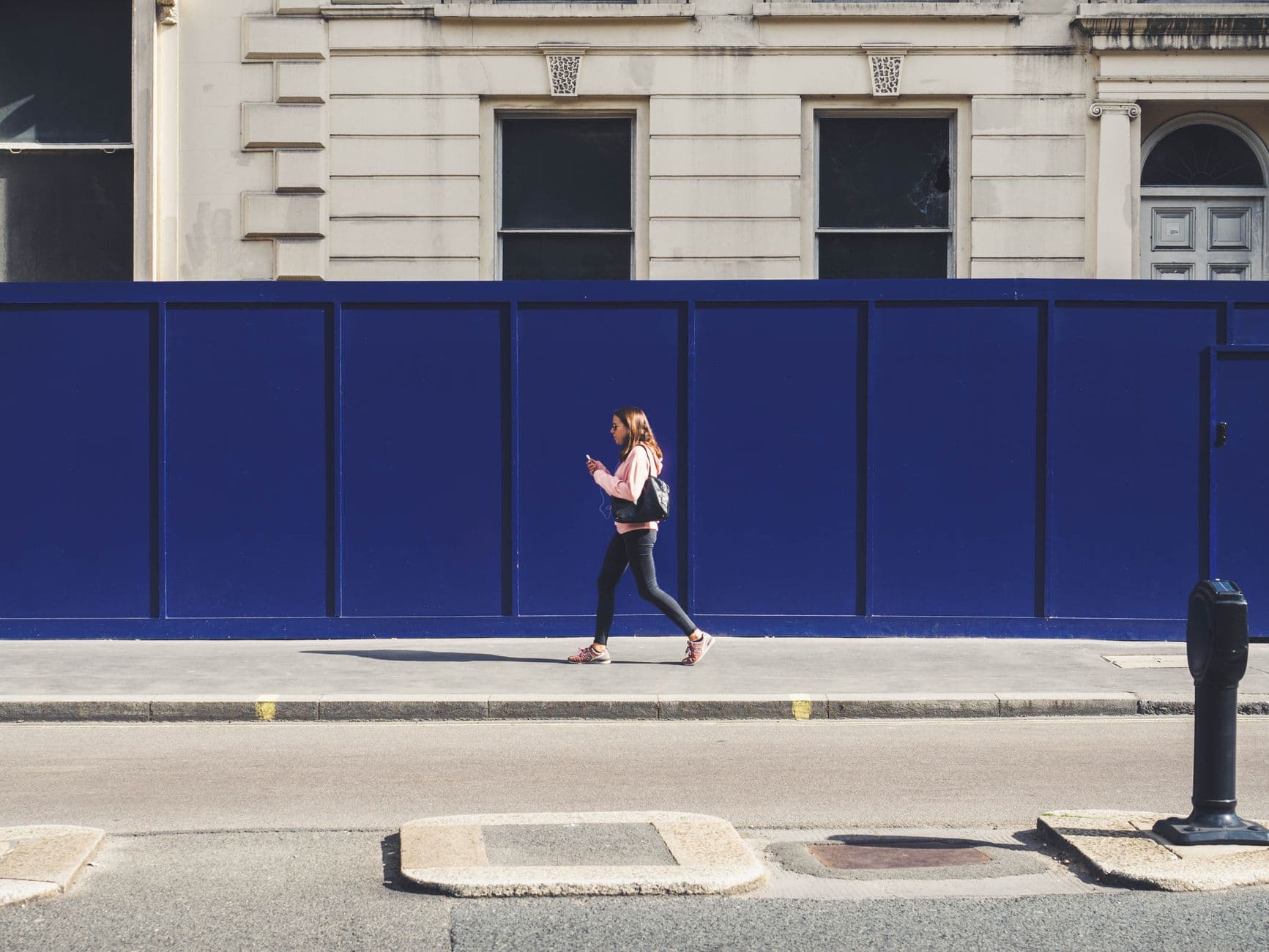
Three things you only remember in the wrong place
None of these are a memory problem. In each one you knew the task perfectly well; you simply were not standing where you could do anything about it.
The thing you needed from the shop
You thought of it at your desk at 11am. By 18:20 you are in the aisle thinking about dinner, and the thought does not come back until you are in the car park with the boot shut.
The question for the person at the site
You want to ask about the second meter reading. You remember it on the drive home, every single time, and by the next morning it has lost its urgency again.
The thing you have to do before you leave
Lock the side gate. Sign the visitor book out. Take the sample with you. A time-based reminder at 17:00 fires while you are still mid-job and gets dismissed.
Arriving and leaving are two different reminders
Most place reminders are about arriving: you get to the supermarket, the reminder brings up the list. Some are about the opposite. The thing you must not forget is the thing you do on the way out, and a reminder that fires when you walk in is useless for it.
Timelee treats the two as separate triggers. Pin the place, set a radius that matches how big it actually is, then choose whether the reminder fires when you arrive or when you leave. A depot and a corner shop need different radii, so the radius is yours to set rather than a fixed number.
- Pin your current position, a set of coordinates, or a Google Maps link
- Choose a radius that matches the size of the place
- Fire on arrival, or on departure
- Repeat once, every day, or only on the days you choose
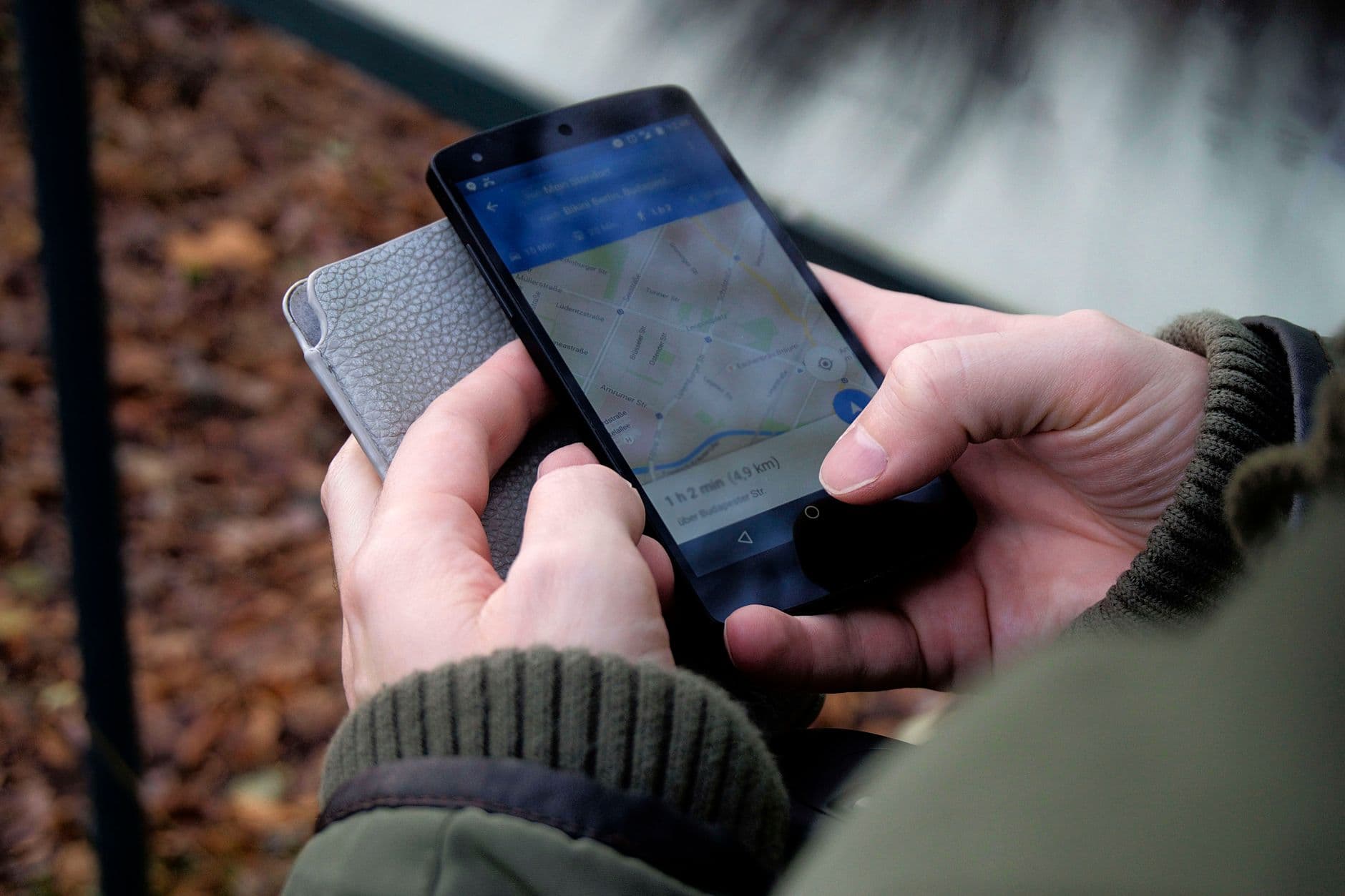
Setting one, start to finish
A place reminder takes about the same time as a normal one. The only extra decision is where, and how close you have to get.
Pin the place
Drop a pin on your current position if you are standing there, paste coordinates, or paste a Google Maps link for somewhere you have not been yet.
Set the radius
How near is near enough. A small radius on a corner shop so it does not fire from across the road; a wide one on an industrial estate so it fires as you turn in.
Choose arrive or leave
Two triggers, one choice. Buying milk is an arrival. Locking the gate behind you is a departure.
Pick how it reaches you
The same delivery choice as any other reminder: a plain alarm, a full-screen in-app call, or an escalation for the ones that would cost you a second trip.
Pause it instead of deleting it
Place monitoring can be switched off on a single reminder without losing the pin, the radius or the text. Turn it back on the week you are near that site again.
Set it up on a laptop. It rings on your phone.
A geofence has to be watched by something that moves with you, and a browser tab cannot do that. You can build the whole place reminder on the web — pin, radius, arrive or leave, delivery, repeat — and the Android and iOS apps are what actually watch your location and ring. That is the right split: a proper map and a full keyboard for setup, the device in your pocket for the firing.
A place reminder is still a whole reminder
Pinning it to a location does not strip out everything else. It keeps the same controls as anything else in your list.
Arrive and leave as separate triggers
Clock in when you get there and take the paperwork with you when you go are two reminders on the same pin, not one compromise.
A list attached to the place
Give the pin a bucket list and the whole list arrives when you do, item by item, instead of as a line of text you have to decode in the aisle.
Only on the days it applies
Every day, once, or only Tuesdays and Fridays. A site you visit twice a week should not be ringing at you on the other five.
Filed like everything else
Category, tags and priority all apply, so the site visits sit in Work and the errands sit in Personal rather than in one undifferentiated pile.
Escalate the expensive ones
Missing a shop means going back tomorrow. Missing a collection slot can mean a wasted day, and that one is worth a channel you cannot swipe away.
Voice and photo detail
Record what you actually need to ask, or photograph the part you are matching. The detail arrives with the reminder rather than sitting in your camera roll.
Where place reminders work
| Feature | Android | iOS | Web |
|---|---|---|---|
| Create and edit a place reminder | Yes | Yes | Yes |
| Pin from your current position | Yes | Yes | Partial |
| Watch the geofence and fire on arrival | Yes | Yes | No |
| Fire on departure | Yes | Yes | No |
| Pause monitoring without deleting | Yes | Yes | Yes |
The form is everywhere. The geofence is on the phone, because that is the thing that travels.
A reminder is only useful in the place where you can act on it.
Time is one way of guessing where you will be. Sometimes the place itself is the better guess.
Pin the three places you keep leaving empty-handed
The supermarket, the site, the parents' house. Set them once and they stop being things you remember on the way home.
Keep reading
- Grocery list remindersThe list that turns up while you are still in the shop.
- Timelee for AndroidWhere the geofence is watched and the ring happens.
- Timelee for iPhonePlace reminders on iOS, set anywhere.
- For tradespeopleReminders that wait at the site rather than at a time.
- For travelThings you only need at the airport, the hotel or the border.
- Deliveries and returnsCollection windows and the return that expires on Tuesday.