
Platforms
Set it up on a laptop. It rings on your phone.
Setting up a week of reminders on a phone keyboard is a chore, so most people never do it. The web dashboard is where you plan properly — and the phone in your pocket is what actually reaches you when the time comes.
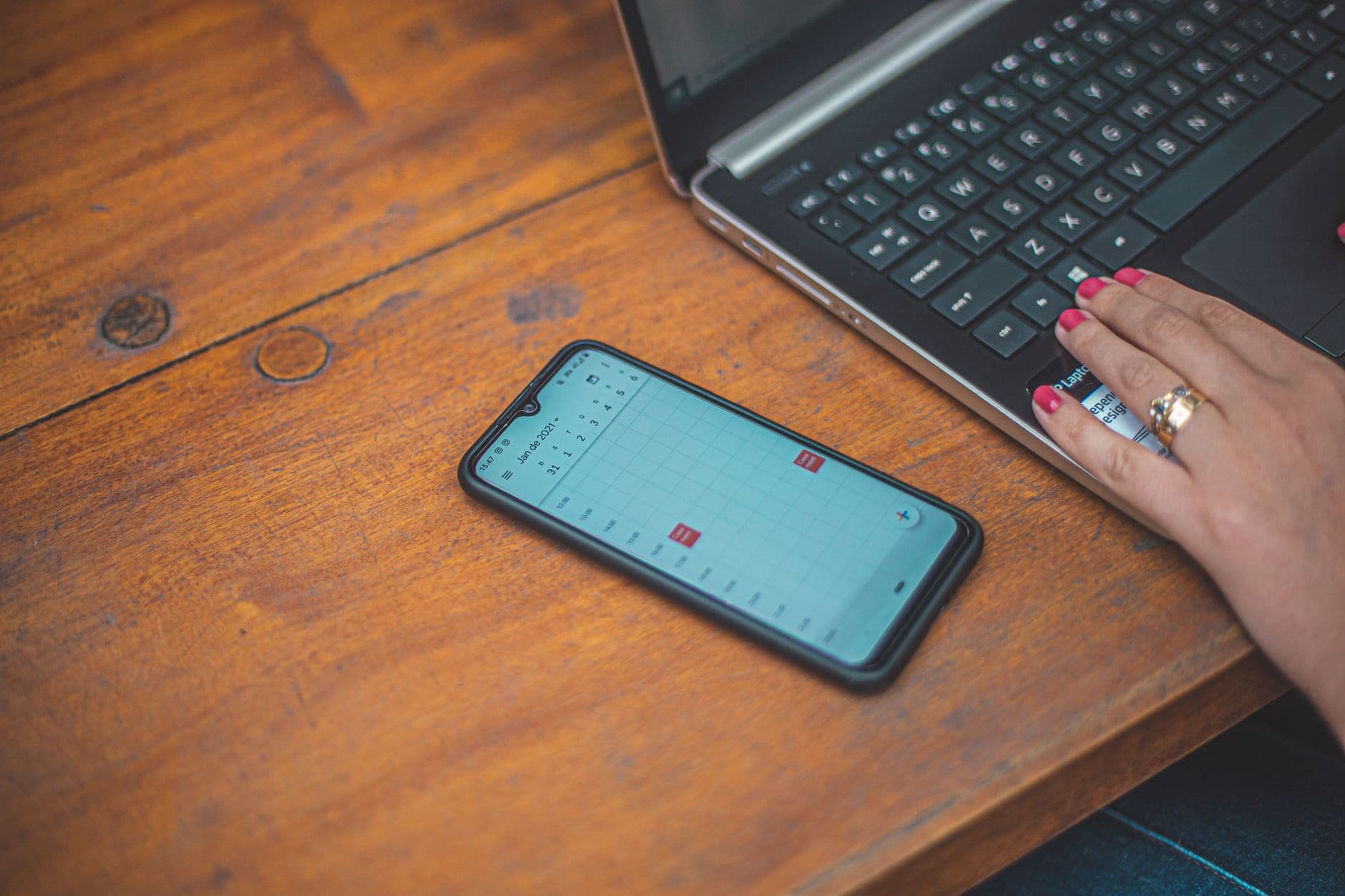
Planning is a keyboard job. Delivery is a pocket job.
Timelee splits the two deliberately instead of pretending a browser tab can wake you up at 6am. The dashboard does the thinking; the phone does the ringing.
Why the browser is the better place to build a reminder
Most reminder apps treat the web as an afterthought: a read-only list, or a stripped form that can set a title and a time. Timelee's web dashboard is the opposite. It has real create and edit forms for Place, Medication, Timer, Life Event, Picture, Voice, Teams, Bucket, Call, Repeating, Alarms, to-dos and Notes.
That matters because the complicated reminders are the ones worth getting right, and the complicated reminders are exactly the ones nobody builds on a phone. A medication schedule with five times a day, a repeating reminder limited to Tuesdays and Fridays with an end date in March, a bucket list of thirty items, a shared reminder assigned to three people: all of that is a five-minute job with a keyboard and a mouse, and a twenty-minute job with two thumbs.
So build it here, in one sitting, with your whole week visible. Then close the laptop. The reminder is on your account, and your phone will schedule it, ring it, and escalate it if you asked for that.
Things the dashboard does that a phone does not
These are not consolation prizes for the missing capture hardware. They are the reasons to open Timelee on a computer even when your phone is right beside you.
Focus mode
One reminder at a time, keyboard-driven. Enter marks it done, S skips, Esc leaves, and it counts what you cleared. The fix for a list you have been reading rather than clearing.
Quick add with inline syntax
Type the to-do and press Enter. Add !high for priority, #bills for a tag and @work for a category on the same line, and Timelee pulls them out.
Rich detail pages
Attach a full page to any reminder: formatted text, checklists, tables, images and drawings, autosaving as you write. The reminder rings; the detail is what you read when it does.
Your Google Calendar beside your reminders
Connect your Google account and your events appear next to your reminders on one screen. Timelee reads your calendar. It does not write to it, change it or delete anything in it.
The day-bucket dashboard
Overdue, Today, Tomorrow, Later This Week and Later, with live counts on the tabs. Filter to a category and every count recalculates.
The priority view
Switch the same list from dates to First, Then and Later. Drag to reorder within a level rather than retyping times.
Every reminder kind has a real form here
A medication reminder is not a to-do with the word tablet in it, and Timelee does not pretend otherwise. On the web you fill in the medicine's name, type, colour, a photo of the box, the dose per time, and the times of day, using Morning through Night presets or your own.
The same is true across the board. A place reminder takes a pinned location, a radius and an arrive-or-leave trigger. A life event takes the person's name, relation, photo and birth year so the reminder can say the age they are turning. A bucket takes items searched from a grocery catalogue in English, Hinglish or Hindi.
Attachments work here too: add JPG, PNG or GIF photos from your machine — large ones are resized before upload — or record a voice note straight in the browser.
- Repeat presets, seven per-day toggles and four ways to end a repeat
- Pre-alarms from 5 minutes to 5 hours, stackable on one reminder
- Pinch Me intervals, per-reminder snooze including Off, and auto-complete
- Priorities, categories with live counts, and free-text tags

The browser builds reminders. It does not fire them.
Timelee does not send browser or desktop notifications for reminders, and there is no web push. Alarms and in-app calls ring on your phone, tones play on the phone and cannot be previewed in a browser, a place reminder's geofence is watched by the phone, and attached photos and voice notes show and play from the phone. A web timer only runs while its tab is open. Real phone calls are the exception: they are placed by Timelee's servers, so a call reminder you set in the browser reaches you wherever your phone is. Call credits are bought in the Android or iOS app, never on the web.
What happens where
| Feature | Android | iOS | Web |
|---|---|---|---|
| Create and edit every reminder kind | Yes | Yes | Yes |
| Alarm and in-app call ring here | Yes | Yes | No |
| Browser or desktop notification for a reminder | No | No | No |
| Real phone call placed to a verified number | Yes | Yes | Yes |
| Geofence watched for place reminders | Yes | Yes | No |
| Rich detail page editor | No | No | Yes |
| Focus mode and quick-add syntax | No | No | Yes |
| Google Calendar events shown beside reminders | No | No | Yes |
| Buy call credits | Yes | Yes | No |
Read this as a division of labour rather than a scorecard. The browser is where reminders are made; the phone is where they land.
Questions about the web dashboard
Will Timelee send me desktop notifications in the browser?
No. Timelee has no web push and no service worker, so reminders do not arrive as browser or desktop pop-ups. They ring on your phone, which is the device that is with you.
Can I do everything from the web?
You can create and edit every reminder kind from the web, including medication, place, life events and shared reminders. Some of them can only fire on your phone: a geofence has to be watched by a phone, tones play on the phone, and attached photos and voice notes show there. The form tells you which is which as you fill it in.
Do reminders I create on the web show up on my phone?
Yes. They go to your account, and your phone schedules and rings them. That is the intended workflow rather than a workaround.
How do I sign in?
With your Google account. There is no Timelee password, because none is created. Apple sign-in is listed in the mobile app and marked as coming; it is not live.
Can I buy call credits on the web?
No. Credits are bought inside the Timelee app on Android or iOS. There is no web checkout.
Does Timelee change my Google Calendar?
No. Access is a read. Your events appear next to your reminders, and Timelee cannot alter, add to or delete anything in your calendar.
Plan the week in one sitting
Sign in with Google, build the reminders that are too fiddly to type on a phone, and let the phone do what it is good at. No password to create.