
Tones
A reminder you can recognise without looking at it
If every reminder makes the same noise, the noise stops carrying information. Timelee has 33 tones in six groups, set per reminder, so the sound itself tells you whether this is worth getting up for.
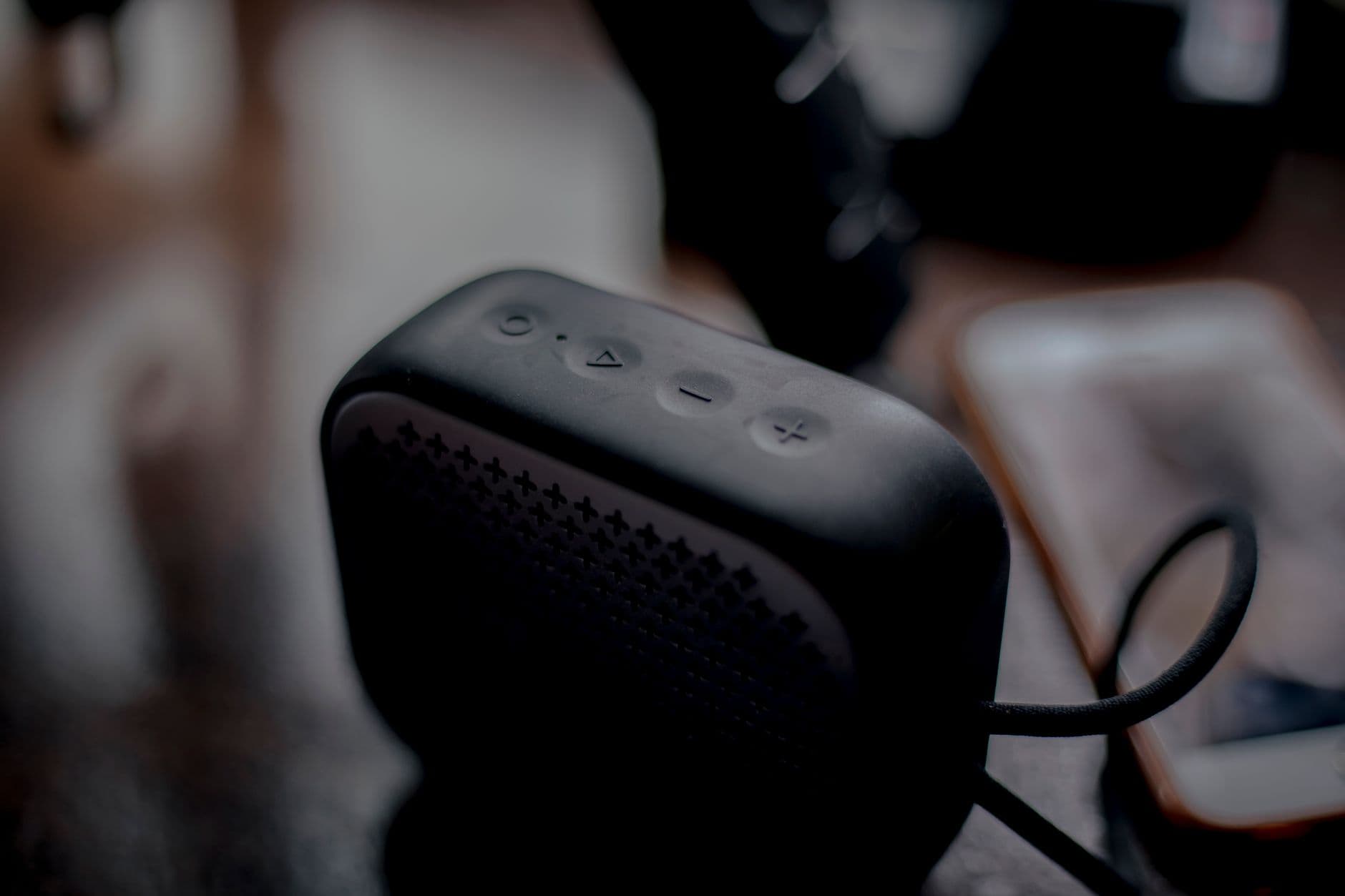
What happens when everything sounds the same
A single default tone across forty reminders is not neutral. It has three specific costs, and you pay all of them.
You have to look to find out
The sound means something happened. Which thing happened requires picking the phone up, unlocking it and reading, which is four seconds you will not spend while driving or mid-conversation.
The important one loses its edge
The tone that rings for the 6pm dose is the same tone that rang twice this afternoon for nothing much. Your ear learns the noise and stops treating it as urgent.
You cannot tell it from everything else
If your reminder tone is also your message tone and your calendar tone, the phone is producing one undifferentiated sound and you are ignoring all of it equally.
Six groups, 33 tones
The library is grouped rather than presented as one long list, because the choice you are making is usually about character before it is about a specific sound.
Alarm
The insistent end of the library, from a smoke alarm downwards. For the reminders where waking up or stopping what you are doing is the entire point.
Ringtone
Sounds that read as somebody trying to reach you rather than as a device notifying you. Useful for anything with a person waiting at the other end.
Classic
Plain bells and chimes. The neutral middle of the library, and the right default for most of a normal list.
Music
Short musical phrases. Long enough to be noticed across a room without being the sound of an emergency.
Nature
Water, weather and the quieter end, through to an ocean wave. For the reminders you want to hear but do not want to be startled by.
Animals
The ones that cut through because they do not sound like a phone at all, which is exactly why they work in a room full of phones.
Building a sound vocabulary that works
Three or four tones with consistent meanings beat thirty-three used at random. Assign them the way you would assign colours.
Pick one tone for ordinary things
Most of your list is ordinary. Give it something from Classic and leave it alone, so anything that is not that sound is immediately different.
Pick one for people
Calls to return, meetings, anything with somebody waiting. A Ringtone tone means a person is involved, and you will know that before you look.
Pick one for health
Doses and appointments get their own sound and nothing else uses it. This is the one you want to be able to identify from the next room.
Reserve the loud group
Keep the Alarm group for the handful of reminders a week that genuinely mean stop. It only keeps working if it stays rare.
Use Silent deliberately
Some reminders should appear without making a noise at all. That is a choice you can make per reminder rather than a compromise across the whole app.
Set it up on a laptop. It rings on your phone.
You can choose a tone for any reminder from the web, but the browser cannot preview it — the tones live on the phone and play there. Pick from the list at a desk if that is where you are building the reminder, then listen to it once on your handset with a test reminder set two minutes ahead. That test is worth doing anyway, because how loudly a tone plays through silent and focus modes is decided by your phone's settings rather than by Timelee.
The tone belongs to the reminder, not to the app
Most apps have one notification sound for everything they do, buried in system settings. Timelee stores the tone on the reminder itself, in the same place as its time, its category and how hard it should push to reach you.
That is what makes a vocabulary possible. The medication reminder can keep its own sound for a year while everything else changes around it. A timer for the oven and a timer for a work block can be told apart from the other end of the house. And when you change a reminder's tone, you are changing that reminder rather than every alert the app will ever produce.
- Set per reminder, stored with it, changeable from the edit screen
- Includes Silent, for the ones that should arrive without a noise
- Applies to alarms and timers alike
- The tone stays with the reminder when it repeats

A five-minute sound check
- Set a test reminder two minutes ahead and put the phone in the room you are usually in
- Do the same with the phone on silent, so you know what actually happens there
- Check that your health tone is distinguishable from your message tone
- Make sure your loudest tone is used by fewer than five reminders
- Turn one thing you never act on down to Silent rather than deleting it
- Repeat the check after changing phones, because handset behaviour is not identical
Give the important things a sound of their own
Three tones with consistent meanings will do more for you than any amount of reorganising the list.