
The thesis
Why you ignore notifications
You are not careless. You have been trained, several thousand times a year, that a banner on your lock screen is almost never worth stopping for. Notification blindness is the correct response to a badly designed channel — and it is the reason your reminders stop working.
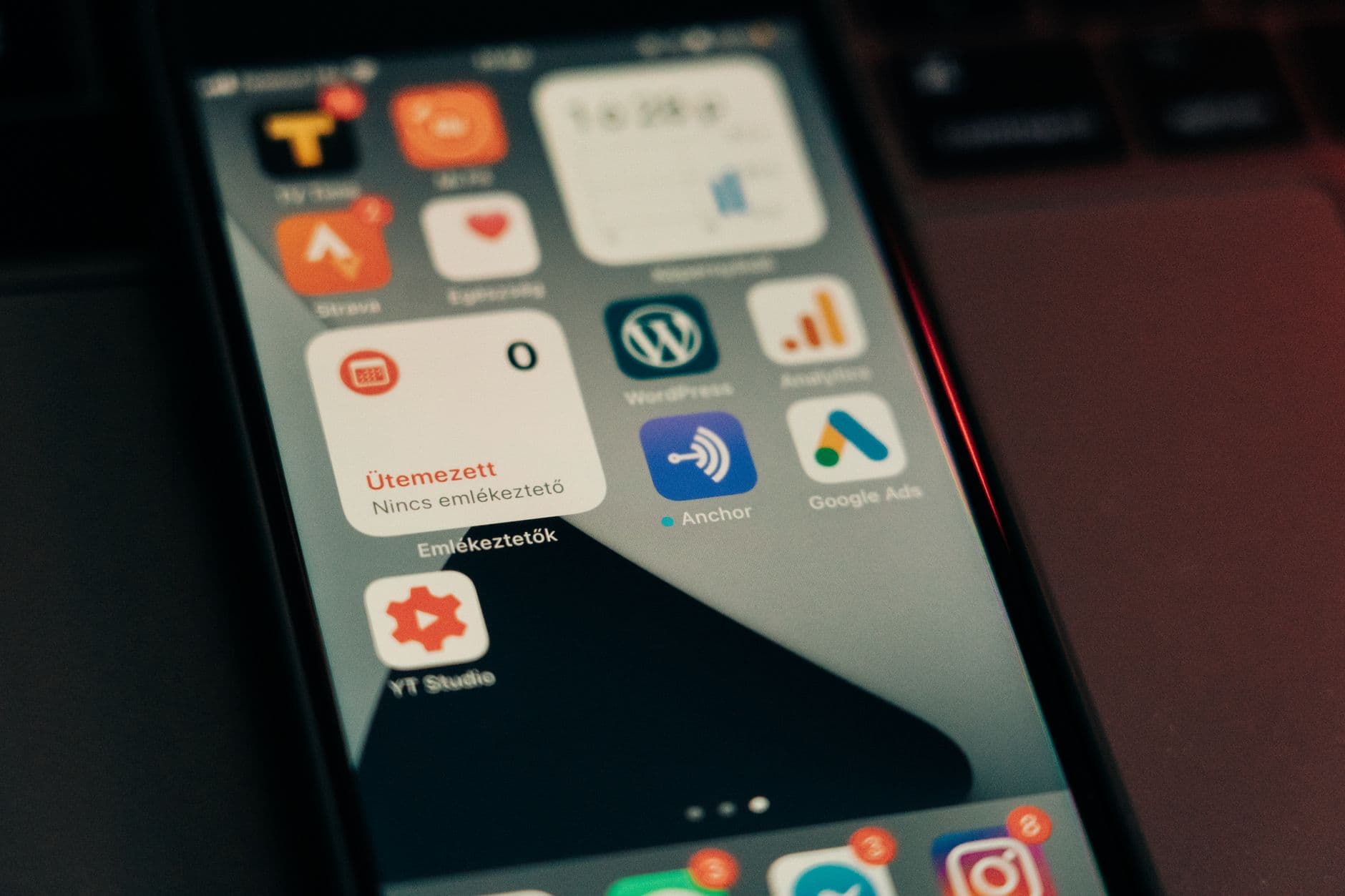
It is a learned response, and it was learned honestly
Think about what your phone has taught you. A delivery is on its way. A game wants you back. Somebody liked a photo. A shop is having a sale. An app you installed once wants to tell you about a feature. Hundreds of these a week, and the overwhelming majority of them cost you nothing to ignore.
Your attention adapted the way attention always adapts. It stopped treating the arrival of a banner as information and started treating it as noise to be cleared. That adaptation is efficient. The problem is that it is indiscriminate: the channel that carries the sale also carries the 6pm tablet, and nothing about the arrival distinguishes them.
This is why advice to "be more disciplined about notifications" misses. You are not failing to exert willpower over a stream of alerts. You have correctly learned that the stream is mostly worthless, and the one item in it that matters has been given exactly the same half-second of attention as everything else.
The four ways a notification quietly fails
Every one of these is a normal Tuesday, not an edge case. In each of them the app did exactly what it was built to do, and you still missed the thing.
It arrived with thirty other things
Your lock screen at 6pm is a stack. A delivery update, two group chats, a news alert, a game asking you to come back, and somewhere in there, take the tablet. You clear the stack in one gesture. Nothing about the tablet looked different from the game.
You dismissed it before you were awake to it
The swipe is faster than the reading. Anyone who has cleared a notification and then spent ten minutes trying to recall what it said knows the feeling. The reminder was delivered. It was even seen. It still failed.
The phone was silent
Silenced for the meeting, the cinema, the ward round, the sleeping baby. The 3pm reminder fired into an empty room, and nothing happens next. There is no retry, because the app considers its job done.
The phone was not with you
Charging in the hall, in a bag, in the car, in a locker, on the other side of a building site. You were at a laptop in a different room. A notification fired on a device nobody was holding.
A reminder is not a plan. A reminder is a delivery.
It only worked if it reached a conscious person who then did something. Judged that way, most reminder apps have exactly one delivery mechanism, and it fails in four boring, repeatable ways.
What actually has to change
There are three honest options, and only three. You can reduce the noise, so that the channel regains some meaning. You can change the timing, so the reminder arrives at a moment you can act. Or you can change the channel, so the important ones no longer travel by the same route as the sale.
Start with noise, because it is free. Go through the apps that have sent you a notification in the last week and turn off every one that is not a person or a commitment. Most people can remove eighty per cent of their alerts in ten minutes without losing anything they would miss. This does not solve the problem, but it raises the value of everything that remains.
Timing is the next cheapest fix, and it is underrated. A reminder at 09:00 for something you can only do at 17:30 has been delivered to a version of you who cannot act. Moving it costs nothing and often fixes the task outright.
But there is a category that survives both fixes: the things where the consequence of missing is real. A dose. A flight. A tribunal. A call you promised to make. For those, the only remaining variable is the channel itself — and making a banner louder does not change what a banner is.
What a different channel looks like
This is where Timelee is genuinely the subject rather than an advert: it is built on the argument this page makes. A reminder gets more than one route to you, and you decide per reminder how far it is allowed to climb.
- notif_type 1
Regular
A full-screen alarm rather than a badge, at the minute you set, with a tone you chose from 33 across six groups. Right for the bins, the parking meter, the stretch break — and deliberately no louder.
- notif_type 2
App Call
The phone rings full screen, like an incoming call, inside the app. This borrows a habit you already have: you do not swipe away a call, you look at who it is. You still dismiss it in one tap, but you dismiss it knowingly, which is the entire point.
- notif_type 3Recommended
Important
The alarm first. If you do not acknowledge it, the in-app call follows. Two routes in, and no call credit spent.
- notif_type 4Premium · uses credits
Phone Call Only
A real phone call placed by Timelee's servers to a number you have verified. Not a push that looks like a call — an actual call on the phone network, so it works with the phone locked and the app closed.
- notif_type 5Premium · uses credits
Critical
Described in the app as: alarm, then in-app call, then a phone call 10 min later if missed. The escalation only happens if the earlier rungs went unanswered.
The restraint is the feature
Nothing escalates by default, and nothing should. A tool that shouts at everything gets muted, and then you are back where you started with an extra app. The value of a loud channel comes entirely from spending it on the two or three things a week that deserve it — and from the fact that the ladder stops the moment you acknowledge it. Escalation is the answer to silence, not to you.
What to do this week
- Turn off notifications for every app that is not a person or a commitment. Do it in one sitting; it takes about ten minutes.
- Look at the last five reminders you missed and write down which of the four failures each one was. The pattern is usually one failure, not four.
- Move any reminder that has slipped twice to a time when you could genuinely act on it.
- Pick the two or three things in the next fortnight that would actually cost you something, and give those a channel that is not a banner.
- Set one test reminder two minutes ahead and watch what your phone does with it. Silent mode and focus settings behave differently on every handset, and guessing is how people end up missing things.
- Leave everything else on the quiet setting. The restraint is what keeps the loud channel working.
Questions about notification fatigue
Is notification blindness a real thing or just an excuse?
It is a widely-discussed description of an ordinary effect: a signal that is mostly irrelevant stops being treated as a signal. You can watch it happen in yourself over a few weeks with any new app. We are not going to attach a statistic to it, because the useful part is not the number, it is the fix.
Will turning off most of my notifications actually help?
It helps more than people expect, and it is the only fix that costs nothing. It does not solve the hard cases, because the reminder you must not miss is still travelling by the same route as everything else. But it makes that route worth glancing at again.
Is a louder notification sound enough?
Sometimes, for a while. The limitation is that volume does not survive silent mode, a focus schedule, a phone in another room, or a battery saver that closed the app. Those are the situations where a notification has no answer at all, because there is no retry.
Why is a ringing screen harder to ignore than a banner?
Because of a habit that predates smartphones: a ringing phone means a person is waiting, so you look at who it is before you decide. That reflex is worth borrowing for a small number of reminders. It stops working if you borrow it for all of them.
Does Timelee send desktop or browser notifications?
No. Reminders ring on your phone. The web dashboard is where you set things up and review them; the only thing that raises a browser notification is a finished timer, and only while the tab is open.
What if I ignore the escalation too?
Then you have chosen the channel too often, and the honest answer is to use it less. The ladder runs the rungs you picked, in order, and stops. It is not a loop, and it is not designed to win an argument with you.
Set one reminder that is not a banner
Pick the thing in the next fortnight you would genuinely be upset to miss. Give it a channel that survives a silent phone in another room, and leave everything else quiet.
Keep reading
- The delivery ladderAlarm, in-app call, phone call — and when each is right.
- Nag remindersFor the things you dismiss and then forget entirely.
- Alarm remindersA real alarm instead of a notification badge.
- Reminders for ADHDWhen the swipe is faster than the reading.
- How to stop forgetting thingsThe capture half of the same problem.